
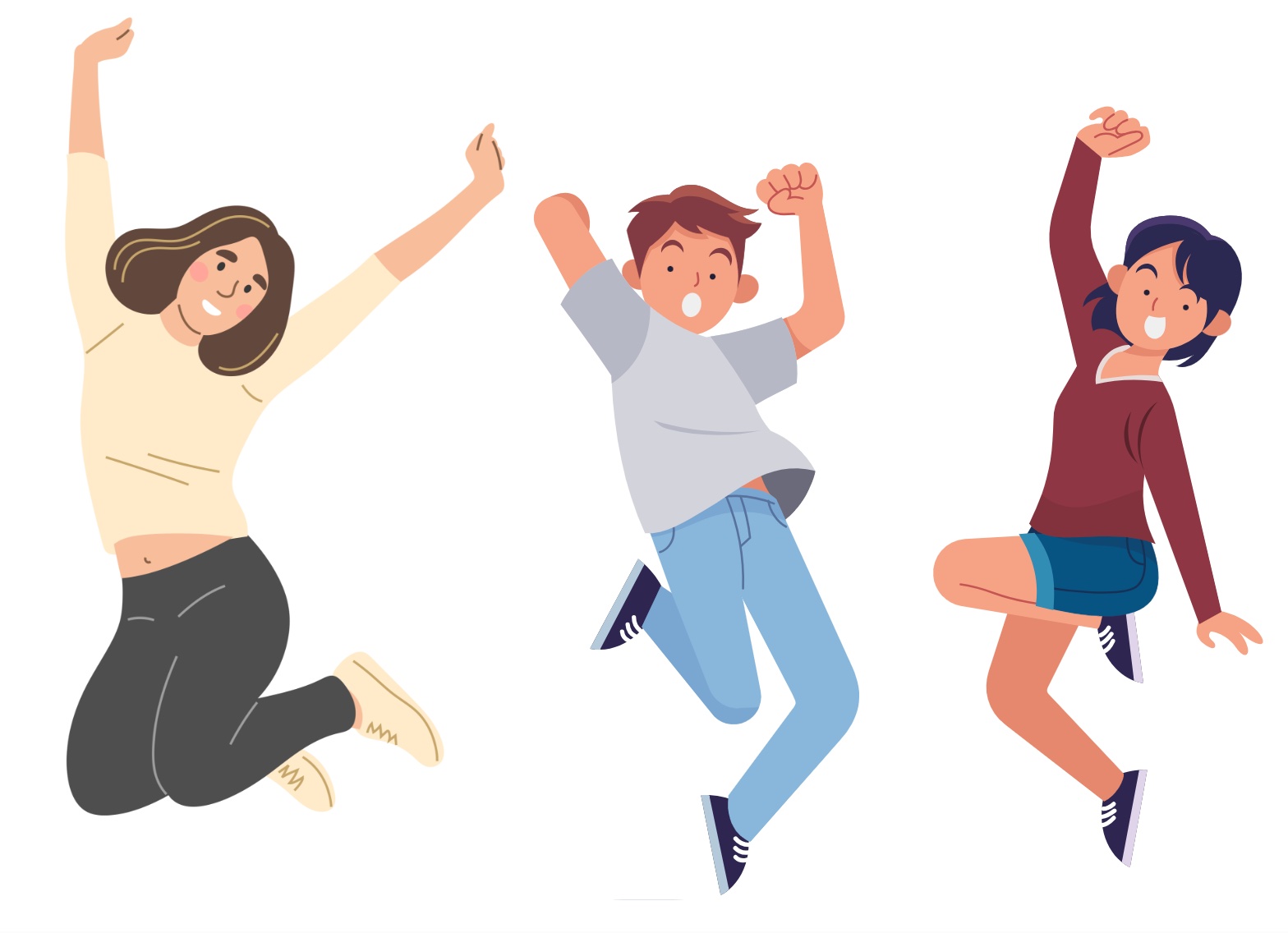
I had never used Canva before August 2022. I’m not much of a graphic designer and would never be hired for such, but since I work mostly for nonprofits, I also usually don’t have a budget for a professional graphic designer, so I have to make due on my own. But my primary employer these days has an account with Canva and I’ve been able to use it.
Canva is really amazing and I use it often. BUT, I am also noticing something: a lot of graphics on social media produced by nonprofits and independent bloggers is starting to look the same. The drawn human images on Canva look very similar in style. And I live in a small community and I’ve seen one particular Canva design used by three different nonprofits for their galas – same image and colors.
Here are some tips for making your products produced via Canva unique:
- Never use a template without a LOT of alteration. Add or change the graphics, change colors, change fonts, etc. Otherwise you risk having an image that looks almost exactly like someone else’s.
- Never use photos from Canva. Use your own photos. Make sure your volunteers and staff have all signed photo releases, and use photos of them. Same for clients: make sure you have photo releases and, of course, that using their photos publicly is allowed.
- Alter any ready-made images in your own designs. Flip some horizontally. Change the clothes colors for what the people in the drawings are wearing, for instance. Change skin tones. Change hair colors. If you can’t do this in Canva, use whatever graphic design software that came free on your computer to do it.
- Follow nonprofits in your area on social media and read their posts regularly. This can help you avoid using similar designs.
- Canva images tend to not be as diverse as you might need. It can be hard to find a family image with diverse members, for instance, or a family that might better represent a Latino family, a black family, a family where the mother is wearing a hijab or chunni, a family where the men are wearing a dastaar, etc. Or to find a classroom drawing with a diversity among students. I sometimes search for images representing a cultural group specifically so I can make sure my imagery of a family scene, a crowd scene, a classroom, etc. better reflects the community served by the local nonprofit I work for.
- Standards in graphic design still apply when using Canva: you need to have excellent color contrast for text versus the text background, you need to have an overarching word, phrase or image, one that is bigger than everything else so that it draws in the viewer, you need to think about how you want someone’s eye to move across the graphic, the image should be easily and immediately understood, you need to make sure the graphic has all of the information needed or will be accompanied by the text of all that is needed, etc.
I’m not at all saying don’t use Canva. But don’t get complacent and confuse ease of use with good practice.
July 21, 2025 Edit: From Chealsee KalivasChealsee Kalivas on LinkedIn:
Hot take that I will stand by until the end of my career:
If your job listing has Canva as the only, or one of two, design software requirements, you do not want a true professional. You want free, fast, and cheap. And you know what you get when you order free, fast, and cheap? Sub par quality work.
And stop with the requirements of 2-5+ years experience for Canva. As a technically trained designer, I learned Canva in about 30 minutes. It is a great tool, but should NOT be the only design software you list.
Canva is an entry level software. Stop saying they need 5+ years.
Respectfully,
Professional Designers

If you have benefited from this blog or other parts of my web site and would like to support the time that went into researching information, developing material, preparing articles, updating pages, etc. (I receive no funding for this work), here is how you can help.